 Omnimatch
 Create an agent
On this page
Define the jobOpen the creation wizardName your agentConnect your data sourcesEnrich your dataWhat should your agent help with?Turn a specific job into an agent, add its information and test it before sharing.
Define the job
Decide who the agent is for, what questions it should answer and which information it needs. “Find upcoming contracts for our construction team” gives it a clearer job than “Help with business”.
Open the creation wizard
Open the agents list by clicking on your agent’s name in the sidebar.
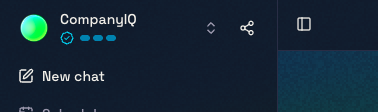
Then click + New to start creating a new agent.
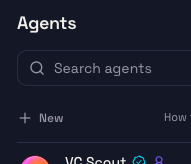
On the hosted service, creating agents requires a plan that includes building. On-premise uses its own creation wizard and your installation’s configured model.
Name your agent
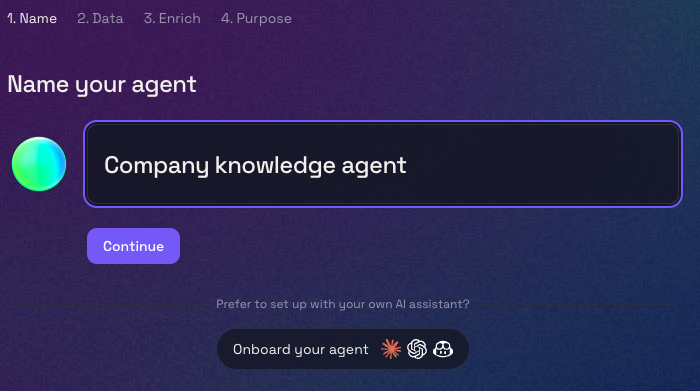
Give your agent a name, then click Continue.
Connect your data sources
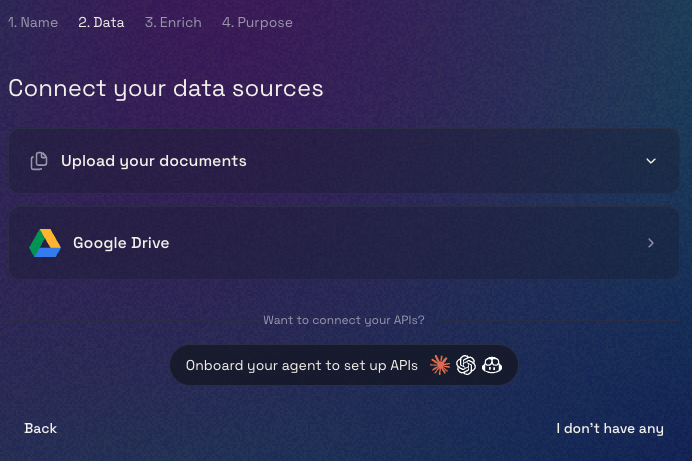
Upload your documents or connect Google Drive. If you want to connect your own APIs, choose Onboard your agent to set up APIs. If you don’t have any data to add yet, choose I don’t have any.
Enrich your data
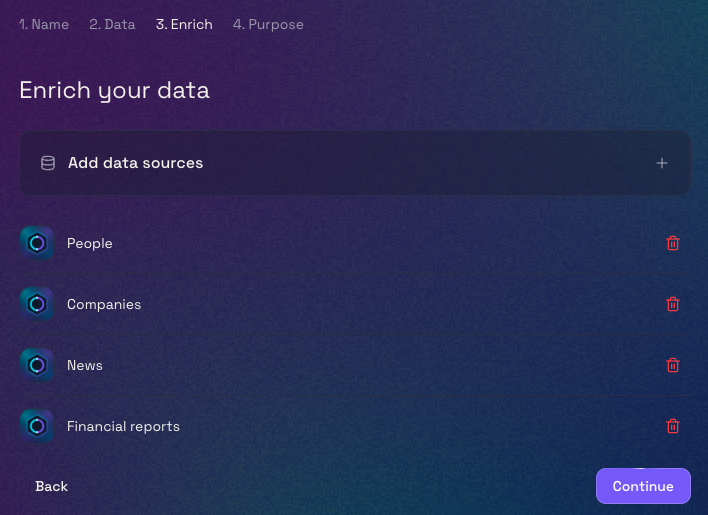
Here we’ve added four Omnimatch data sources to enrich our data: People, Companies, News and Financial reports. Choose Add data sources to select the ones you want, then click Continue.
What should your agent help with?
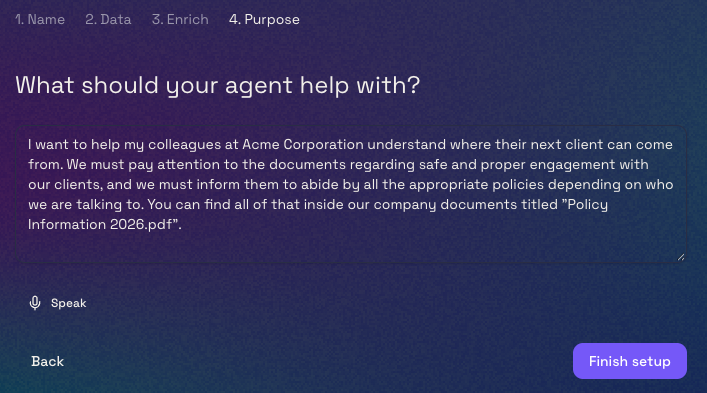
Tell it what you want your agent to help with and any guidance it should follow. You can type this or choose Speak to say it out loud. When you’re ready, click Finish setup.
Once it’s set up, test and refine your agent.